Studio piece
Motion graphics
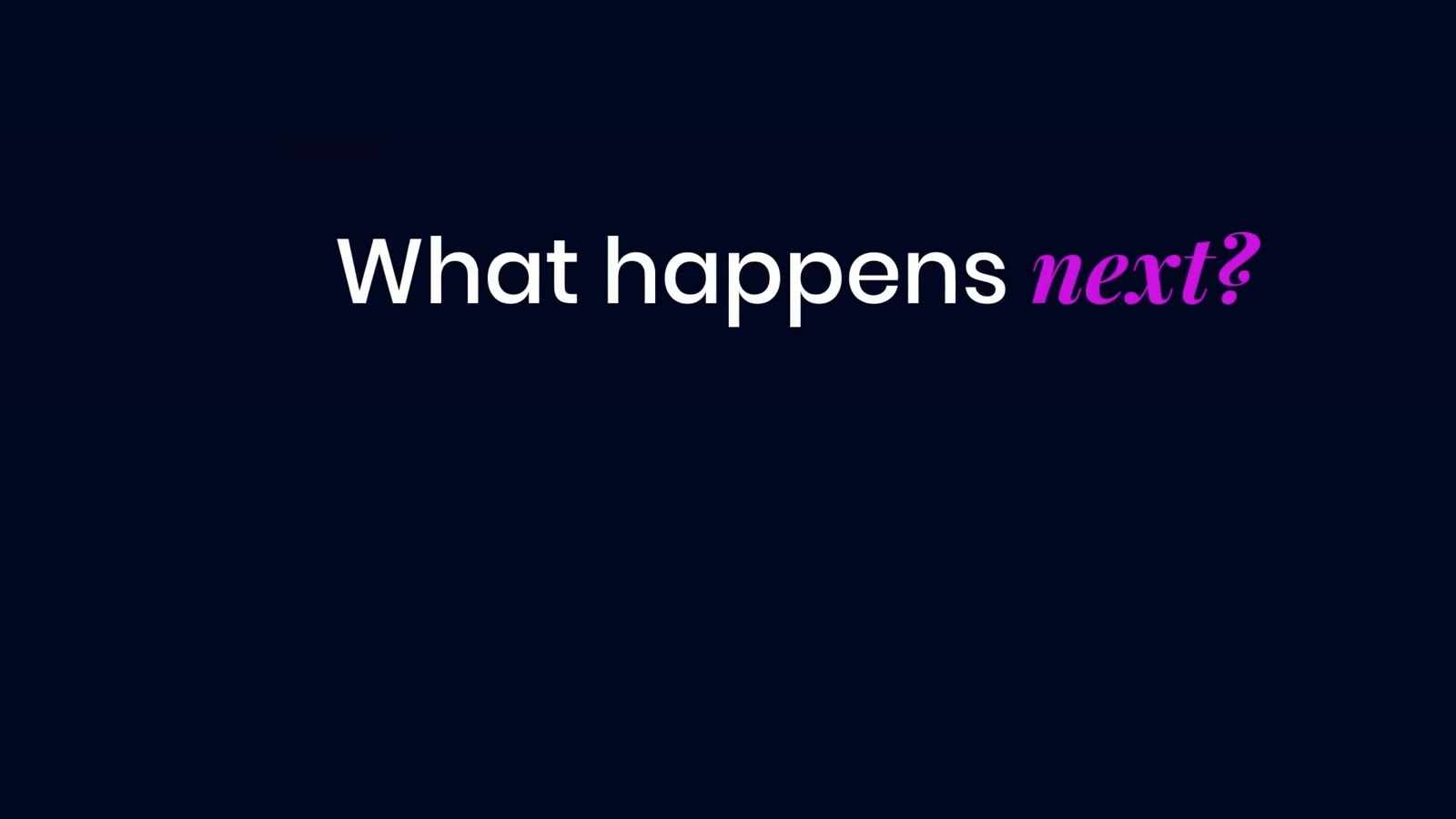
Titles, animated type, interface animation and product callouts in your fonts and colors, timed to the edit. Added to a film we make, or to a cut you already have.
Service reel, Studio piece
Deliverables and formats
16:9
TV and CTV
16:9
Web
9:16
Social
1:1
Social
4:5
Feed
Transparent overlays for your editor
From $10 per second
Estimate yoursHow it works
Program
01 / 05BriefThe cut or the script, your brand guidelines, and what each graphic has to say.
01 / Brief
The cut or the script, your brand guidelines, and what each graphic has to say.
02 / Style frames
Stills of the key moments in your fonts, colors and layout, for your sign-off.
03 / Animation
Each graphic animated to the edit, in and out on the cut or the line it belongs to.
04 / Review
You watch the graphics in the cut and give notes by timecode.
05 / Delivery
The finished film in every format, or the graphics as separate files for your editor.
Studio work
Studio piece
Studio piece
Studio piece
In depth
Motion graphics are the designed layer of a film: titles, animated type, lower thirds, product callouts, interface animation, charts and the end card. They carry what the picture can't say alone, like a feature name, a step in a process, a date or where to go next. At Exsale, motion graphics are designed to your brand guidelines and animated to the edit, so each graphic arrives on the cut or the line it belongs to.
They also carry the film when the sound is off. In a feed, a viewer may watch with no audio at all, so the on-screen text has to tell the story by itself. We write and time that text as part of the edit, not as a layer added at the end.
Each kind of film asks something different of its graphics.
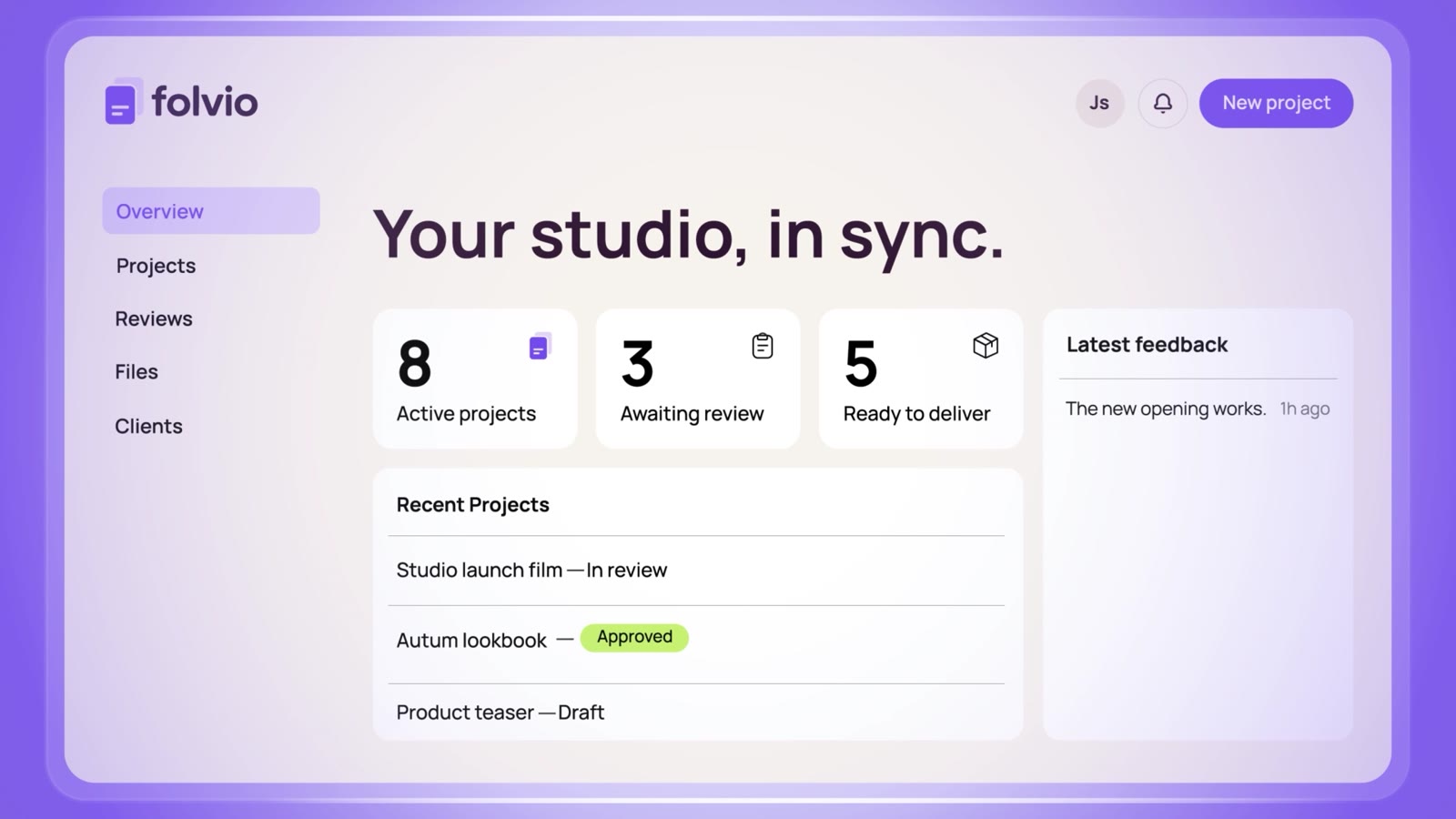
Product videos. Callouts point to a feature as the camera reaches it. Interface animation rebuilds your real screens as layers, so a click, a menu opening or a dashboard filling in reads clearly at phone size.
Ads. The hook line in the opening frames, the offer, and the end card with the call to action. Type is laid out again for 9:16, 4:5 and 1:1, inside the area each app leaves clear of its buttons.
Commercials and films. Title cards, supers, disclaimers and the end card, set to the copy your team approves.
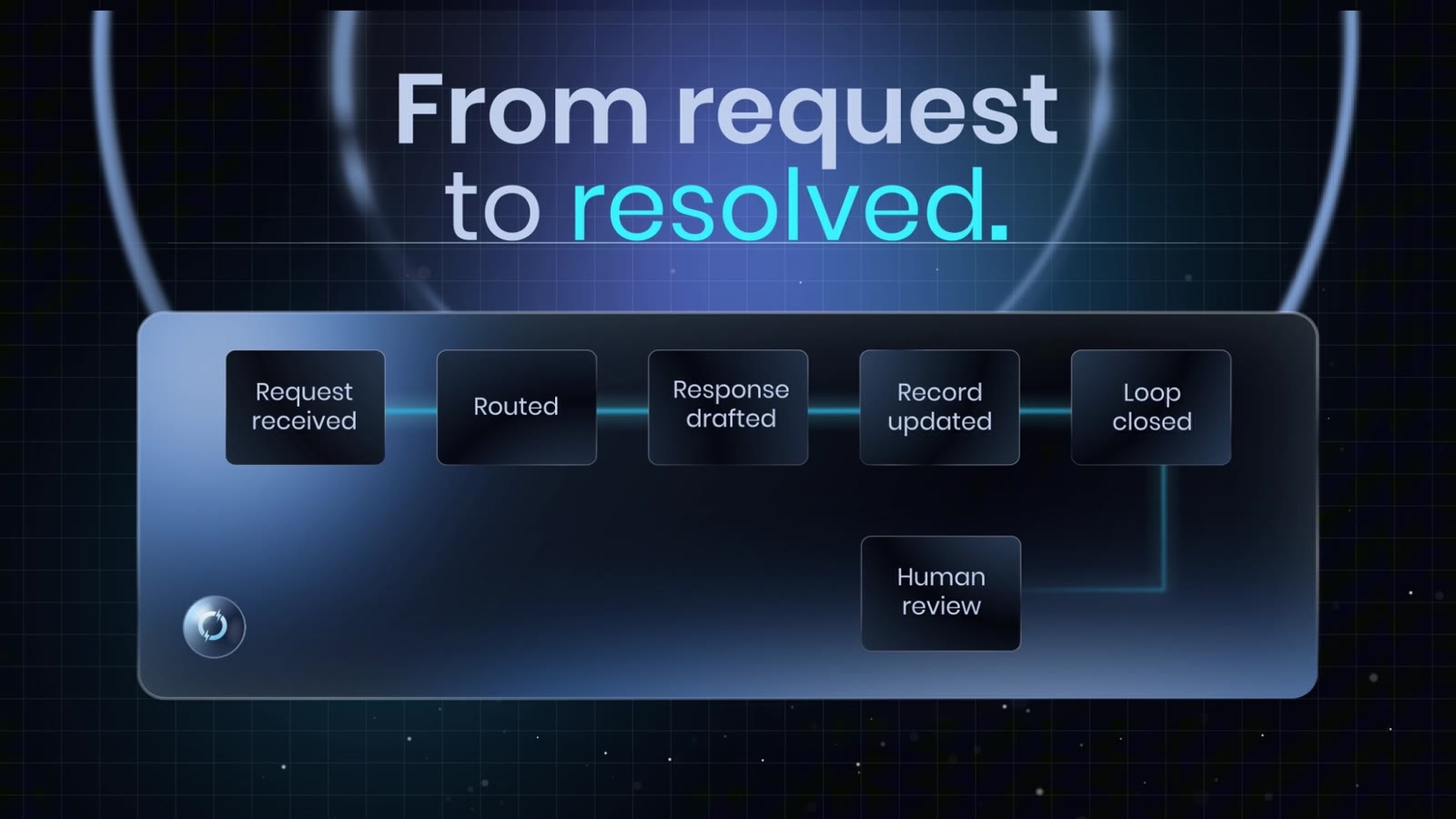
Corporate and training films. Lower thirds for each speaker, chapter titles, and charts and diagrams that build one step at a time.
We start with your brand guidelines, font files and logo files, plus the cut or the script. Then we design style frames: stills of the key moments with the graphics in place, showing type sizes, colors, layout and how each element sits on the picture. You approve the look on stills, where a change is a small edit. The same change after animation means animating it again.
Animation follows the style frames. Timing comes from the edit: a title lands on the cut, a callout holds as long as the voiceover needs to name the feature, a figure counts up while the line is spoken. The moves share one set of easing curves, so the graphics read as one set rather than a collection of effects. When the camera moves, a callout can be tracked to the shot so it stays on the product.
You review the graphics in the cut, not on their own, and give notes by timecode. Each format gets its own layout pass, so a line that fits a 16:9 frame is reset for 9:16 rather than shrunk to fit.
Inside a production with us, motion graphics are part of the Finish stage of AI video production. They're planned from the start: the storyboard and the 3D previs leave room in the frame for each title and callout, so the shot is composed around the text instead of covered by it.
Bought on its own, motion graphics go onto a cut you already have. Send the locked edit and the footage, and we return the film with the graphics in place. If your team is still cutting, we can deliver the graphics as transparent overlays, rendered to your timings, for your editor to place. If the cut itself needs work, video editing can come first.
How long the work takes depends on the brief: the length of the film, the number of graphics and the formats. A schedule and quote follow the first call.
FAQ
Choose a line
PAGE 01.
INT. EXSALE STUDIO. DAY
EXSALE
Yes. Send the locked cut, the footage if you have it, and your brand files. We design style frames on stills from your cut, then animate to its timing. You get the film back with the graphics in place, or the graphics as transparent overlays for your editor to drop in.
CUT TO:
Book a call (Opens in a new tab)PAGE 02.
INT. EXSALE STUDIO. DAY
EXSALE
We work from your real screens: screenshots, screen recordings or design files. The parts that move, like a cursor, a menu opening or a chart filling in, are rebuilt as layers so they stay sharp at phone size. The words and numbers on screen stay exactly as your product has them.
CUT TO:
Book a call (Opens in a new tab)PAGE 03.
INT. EXSALE STUDIO. DAY
EXSALE
Yes. Captions are set in your brand fonts and placed inside the area each app leaves clear of its buttons and text. They're timed to the voice phrase by phrase, so each one reads as the line is spoken. We can also deliver a caption file for platforms that take one.
CUT TO:
Book a call (Opens in a new tab)PAGE 04.
INT. EXSALE STUDIO. DAY
EXSALE
Text stays live in the project, so a new date, offer or feature name is a text edit and a fresh render, not a rebuild. Tell us at the start which lines are likely to change, and we set those up to swap easily.
CUT TO:
Book a call (Opens in a new tab)PAGE 05.
INT. EXSALE STUDIO. DAY
EXSALE
Your brand guidelines, font files and logo files, plus the cut or the script. Add any screens, product photos or data the graphics need to show, and links to motion work you like. If the brand has no motion rules yet, the style frames set them, and you sign those off first.
CUT TO:
Book a call (Opens in a new tab)Services
Start a project
Book a call, or send a short brief and we'll reply by email.
Email your brief to hello@exsale.io